Autonomous Playback
This tutorial will show you how to play a project autonomously with MilluNode, so you could run a Millumin's project on a PC.
Preparation
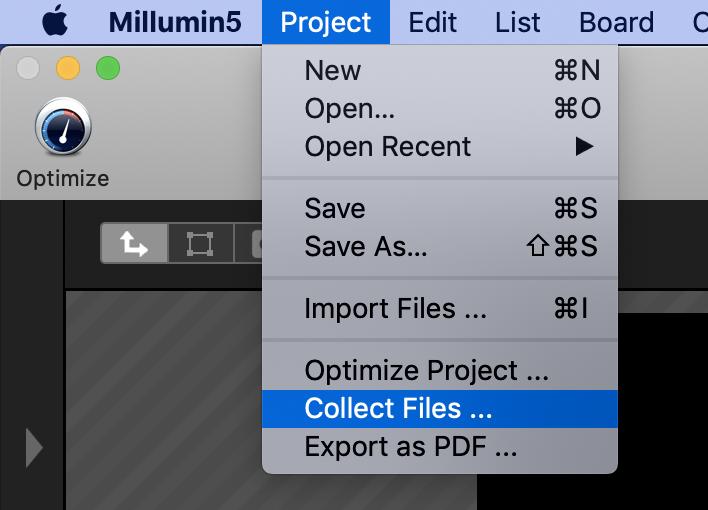
Once your project is created on Millumin, click on Project menubar then Collect files.
Then copy the resulting folder onto an external drive (such as a USB stick) and transfert it on the MilluNode's computer.
Open
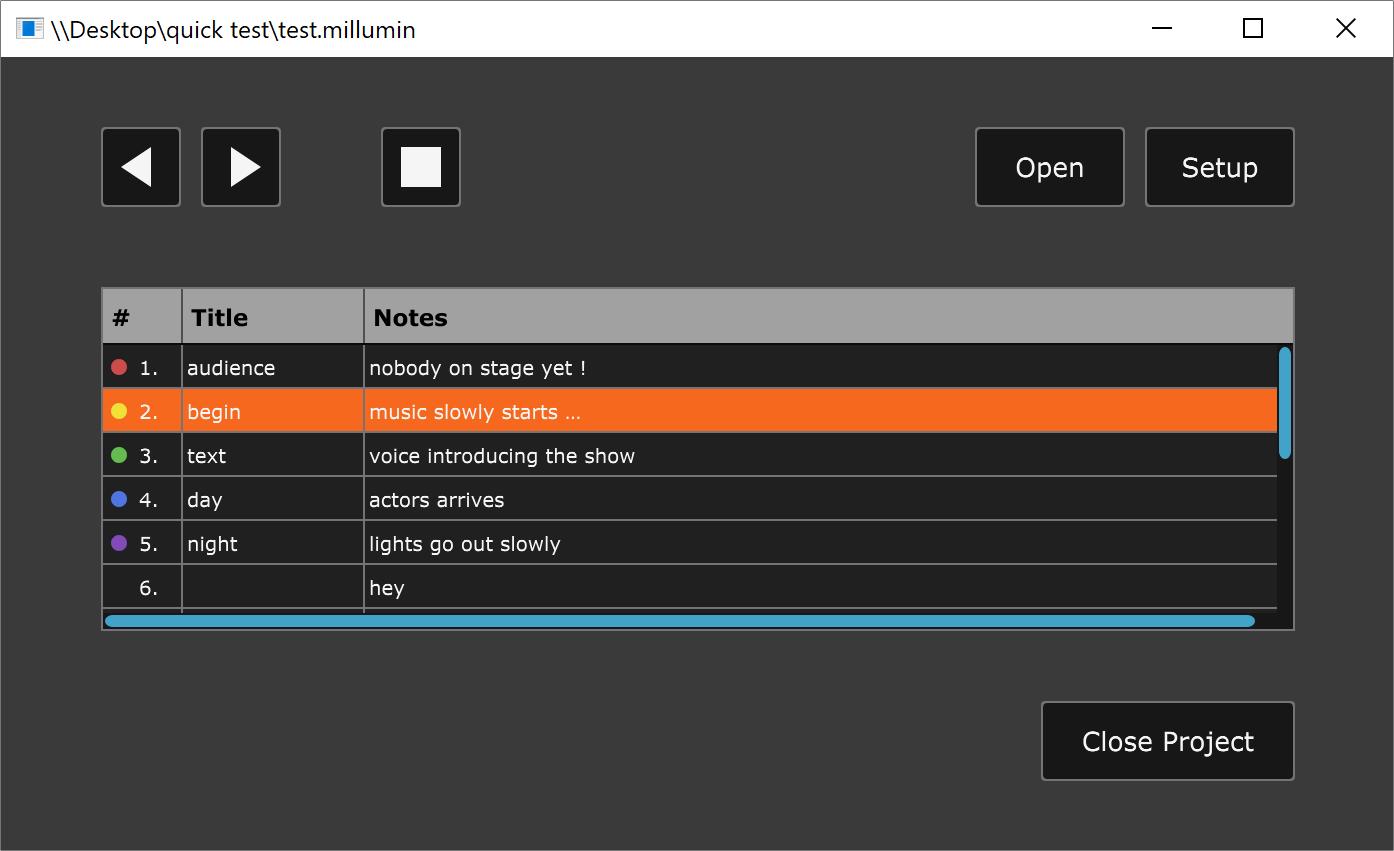
Now on MilluNode's computer and once the project copied, run MilluNode and open your project.
The dashboard of your project is displayed vertically in MilluNode's interface, and you can launch or stop a particular column.
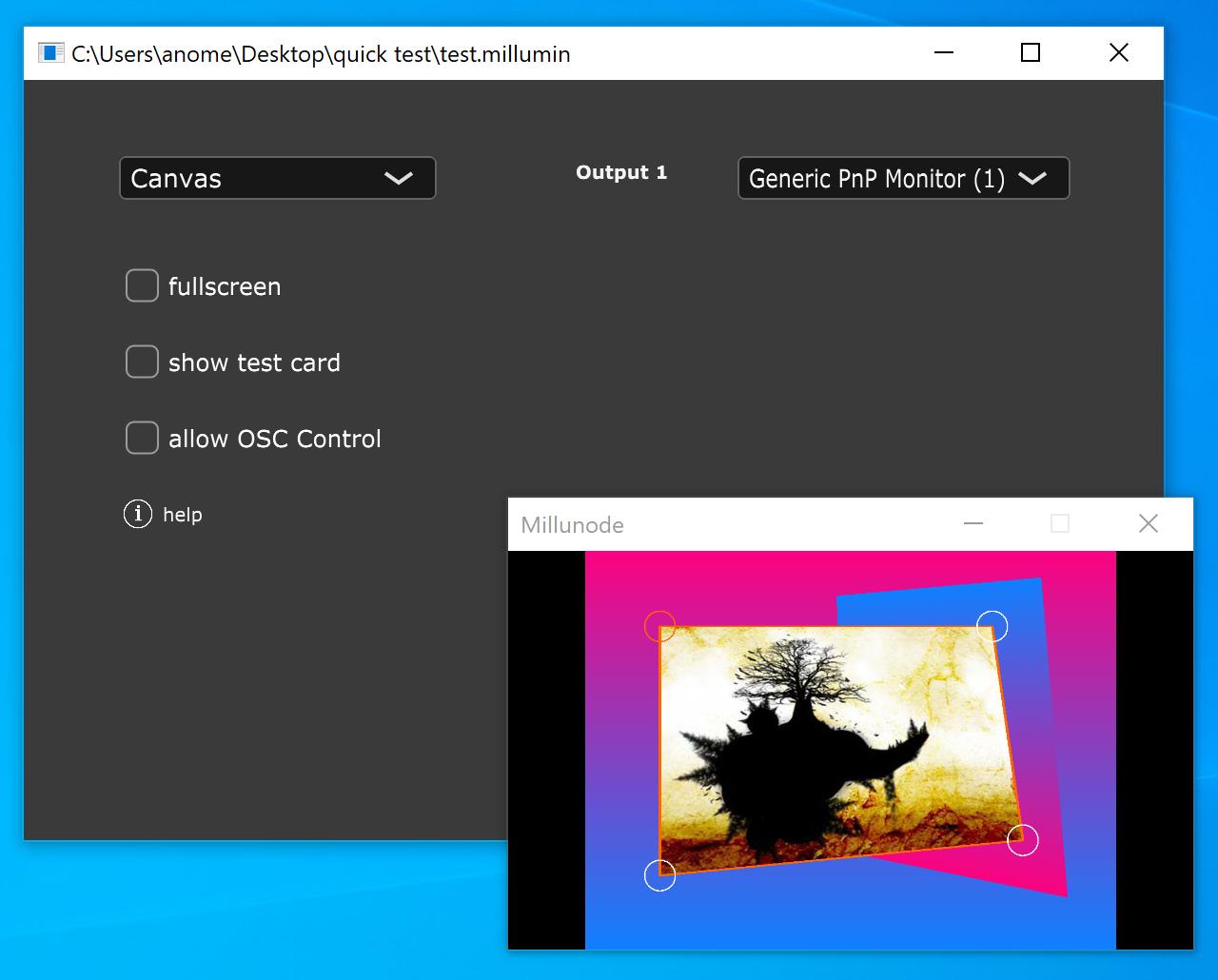
However you may be missing a video output. To choose one, click the Setup button and choose the display among the ones connected to the computer. A windows with the video output will appear and you go fullscreen by activating the ad hoc checkbox.
Alternative
If you do not want to transfert your project via an external drive, consider using Millumin to remotely edit your project on the MilluNode.
More info in this tutorial : Remote Control